
I should start this post by saying that I am huge lover of photography, I take photographs wherever I go. After my family, photography is my next biggest passion and since the dawn of the digital camera my photo collection has grown considerably. For this reason Hubby bought me an external hard-drive to store all of my images on and to keep them safe. I was ecstatic but as usual didn’t actually read the instructions fully on what to do with it. Hubby bought me 1TB which he was told would be enough memory to keep me going for a few years in photographs so then I was very surprised just a few months down the line when doing a back-up that I received a message stating “not enough memory”.
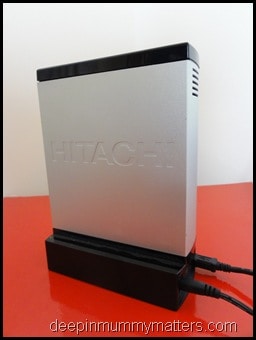
Each time I had backed up, instead of doing an incremental backup to just add on the new files I was doing a full backup so I had some files up to 20 times. The trouble was I couldn’t just onto the hard-drive and delete the previous backups because I had changed things and deleted files as I had gone along on my laptop to create space so I had no way of knowing exactly which files were in each backup. A couple of weeks ago I spent a whole weekend going through my hard-drive creating new folders and deleting duplicates as I came across them. Finally when I had finished I had managed to free up approximately 80% of the memory on my hard-drive and felt much better for it. I decided that I could also now delete all of the images from my laptop to make more space and speed it up a little.
On Friday last week I was writing my post “I love being a Mummy” and needed the images to add to it so I connected my hard-drive and began to search for images, all was going well until I opened the folder entitled Beanie Boy and stared in horror a blank folder. There should have been 18 months worth of photographs of my baby boy but there was nothing. In a blind panic I began to search through all the other folders in the directory in the hope that I had moved them into the wrong folder by mistake. NOTHING! It was at this point that I began to cry as I knew that I had not burned any of the photos to disk, I didn’t have any on memory sticks and I hadn’t really uploaded many to Facebook. The only images I had were the physical photographs around the house and the ones I had used on my blog. I rang Hubby and in between sobs managed to explain what I had done. He asked all the usual questions, are they in the recycle bin, have you put them in the wrong folder but each time it drew a blank, I couldn’t find my baby’s photographs from the first year of his life and I couldn’t see any way of getting them back. I posted messages on Twitter and Facebook saying how sick and I felt and I received lots of lovely messages of support from people with ideas on how I could possibly retrieve them. I walked away from my laptop for a while and just sat on the sofa feeling numb.
A short time later I picked up my laptop again and click on the back arrow in the hard-drive folder and it took me a couple of levels higher in the sub-directories. Then I spotted something, another folder with the name Beanie Boy on it. My heart did a little jump and I tried not to get too excited as I double clicked on the icon and there before me were thousands of pictures of my beautiful boy staring back at me. I had not deleted them afterall and so then I cried with relief.
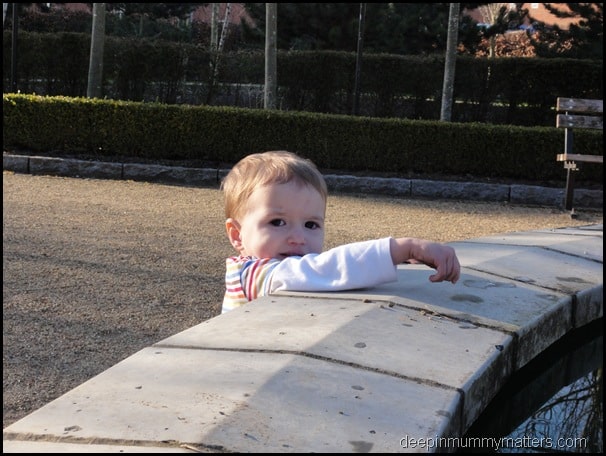
Immediately I performed another backup and have now made copies of discs with my photographs on ‘just in case’. So please learn from my lesson, if you haven’t backed up in a while, DO IT NOW! If you haven’t made duplicate copies of discs or onto memory sticks DO IT NOW because believe me, you do not want to feel how I did for that short time on Friday!!!